
Company
Mastering Team Workflows: Roles, Departments, and Approvals
Dev Team
Dec 20, 2026
5 min read
What You'll Learn
- Define clear roles: Admin, Manager, Finance, Employee.
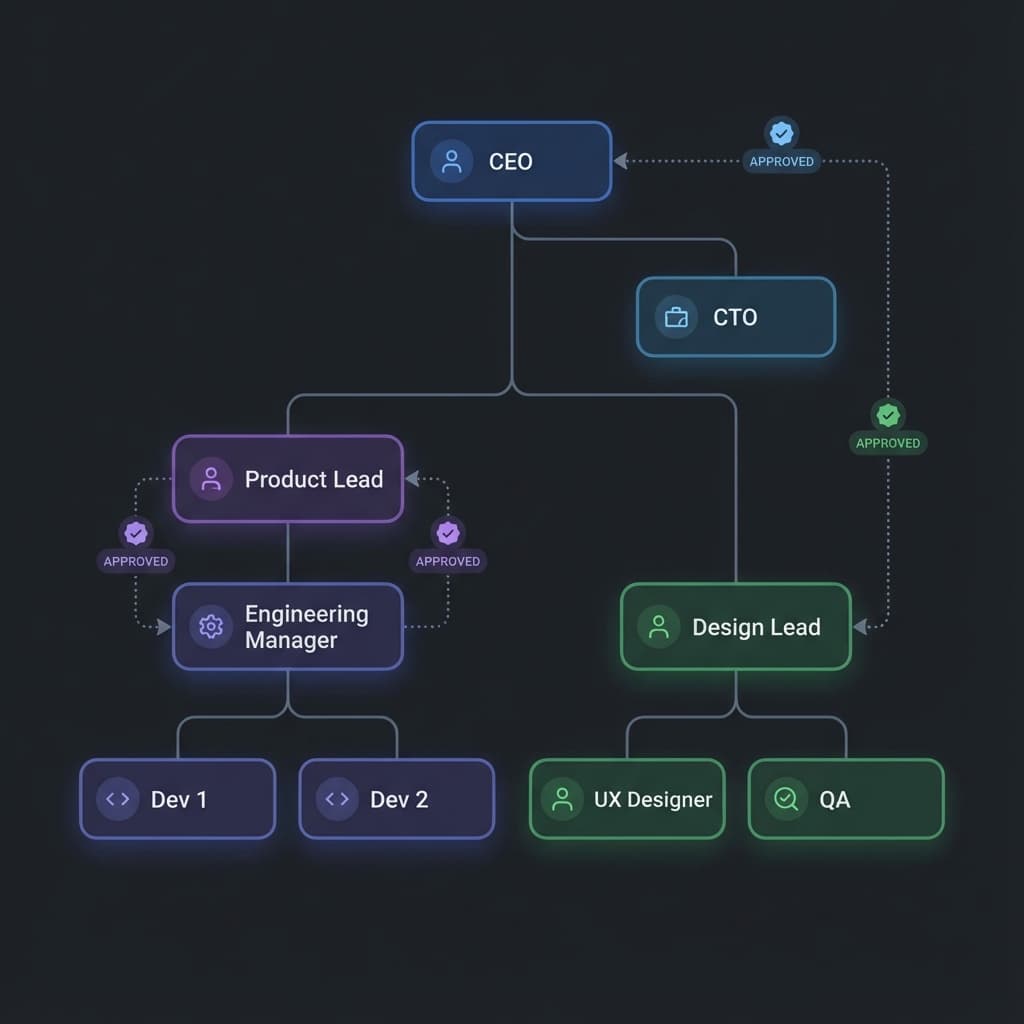
- Create department-specific approval chains (Sales -> Sales Director -> Finance).
- Prevent bottlenecks with delegation and auto-reminders.
- Audit every action with a complete digital trail.
When you're a team of 5, the CEO approves everything. When you're a team of 50, that CEO becomes a bottleneck.
Effective team management requires structure.
The Hierarchy of Spend
Recepo brings order to the chaos with robust organization features:
- Departments: Group users into Sales, Engineering, and Marketing. Set budgets for each bucket.
- Roles: Give your accountant "View All" access but "Edit None." Give managers "Approve Team" but not "Configure Settings."
- Approval Chains: Configure multi-step approvals. Maybe expenses >$1000 need the CFO's sign-off, while <$50 needs no one.
Visibility at Scale
With proper workflows, you don't lose visibility as you grow. In fact, you gain it. You can filter reports by Department to see exactly who is driving up the burn rate.